
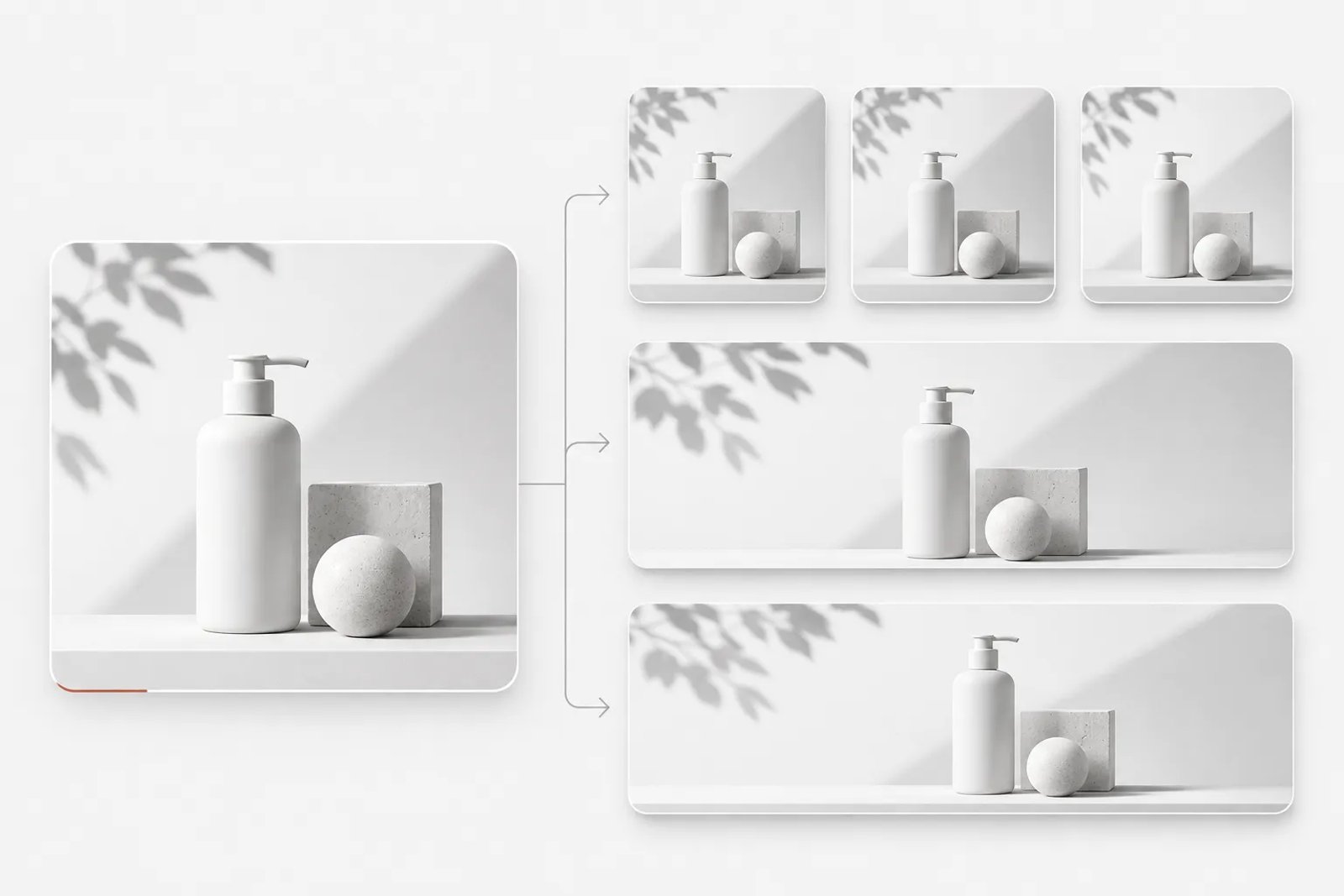
Automating graphic design starts with recurring work: resizing, product substitutions, campaign variations and consistency checks. This guide explains how to make that work more repeatable through clear briefs, stable design rules and a controlled production process, with Saharan AI as a starting point for creative exploration.
The guide is written for designers, in-house brand teams, social media managers, e-commerce teams and freelancers. It does not assume a particular tool. Where it describes how a specific product works, it uses that product's own documentation, with a small set of selected references included inline. It does not include speed claims, test scores or prices, because those depend on your files, your plan and your team, and they change too often to be useful in a guide.
The short answer
A practical approach to graphic design automation has five steps:
- List the design work you repeat. Write down every task you do more than once a month, how often it comes back and how many outputs it produces.
- Separate what stays fixed from what changes. In most repeated work the layout, colors and type stay the same while the text, images, sizes or dates change.
- Write each task once as a complete brief. Automation fails when the rules live in someone's head.
- Choose the lightest automation layer that fits. Reusable components and brand kits first, then data-driven variations, then recorded actions and batch processing, then scripts, and finally delegating a whole task to a design agent that runs it on a schedule.
- Keep a person on the decisions and approvals. Automate the production and the checking, not the sign-off.
The rest of this guide explains each step, gives templates you can copy, and walks through worked examples.
What automated graphic design means, and what it does not
Graphic design automation ranges from a reusable button that updates across a file to a scheduled agent that works from a written brief and leaves results for review. Between those ends are spreadsheet-fed templates, recorded editing sequences, batch processing and scripts triggered by file events.
What all of these have in common is that they automate the repeatable part of design work. None of them decides what your brand should look like this season, which of three directions best fits a client's positioning, or whether a campaign idea is good. Those decisions are the reason design is a profession, and they are also the decisions that are hardest to write down as rules.
A useful way to think about it: a design project is a few important decisions surrounded by a lot of follow-through. Once a key visual is approved, someone has to produce it in every format. Once a brand system exists, someone has to apply it to every new post. Once a series has a style, someone has to check that frame 37 still matches frame 1. Automation is most valuable in that follow-through.
Which design work should you automate? A simple test
Before selecting software, assess each recurring task using three questions.
Can you describe the task once and expect the same kind of output every time? If yes, it is a candidate. "Resize the approved poster into these six formats" passes. "Make the poster feel more premium" does not, because the right answer depends on judgment each time.
Does it come back often enough to be worth setting up? A task you do twice a year rarely justifies building a data template. A task you do every week usually does.
Can a mistake be caught before it reaches the public? Automated output still needs review. If there is no point where a person looks at the results before they ship, start with a smaller scope.
- Resizing an approved design for channels — Repeats often?: Yes; Mostly rules or mostly judgment?: Rules; Good candidate?: Yes
- Swapping products, prices and names into one layout — Repeats often?: Yes; Mostly rules or mostly judgment?: Rules; Good candidate?: Yes
- Weekly social set on a recurring theme — Repeats often?: Yes; Mostly rules or mostly judgment?: Mixed; Good candidate?: Yes, with review
- Collecting references before a new project — Repeats often?: Yes; Mostly rules or mostly judgment?: Mixed; Good candidate?: Yes, with review
- Checking a long series for consistency — Repeats often?: Yes; Mostly rules or mostly judgment?: Rules; Good candidate?: Yes
- Choosing the creative direction — Repeats often?: No; Mostly rules or mostly judgment?: Judgment; Good candidate?: Keep manual
- Approving final assets — Repeats often?: Yes; Mostly rules or mostly judgment?: Judgment; Good candidate?: Keep manual
Most teams find that the "yes" rows take up far more hours than the "keep manual" rows. That is the time automation can give back.
Step 1: Audit the design work you repeat
Begin by recording the work you repeat. Track design tasks for two to four weeks, or reconstruct that period from your project tracker and exported files. Capture the following details for each task:
- What the task is, in one sentence
- How often it comes back (daily, weekly, per campaign, per product launch)
- How many outputs it produces each time (for example, six sizes, or one image per product)
- What stays the same each time (layout, colors, fonts, logo position)
- What changes each time (copy, product photo, price, date, language, size)
- Who approves the result
- What usually goes wrong
The last column matters more than it looks. If the most common problem is a logo missing from one variation, a consistency check will save more time than a faster production method. If the most common problem is a wrong price, the fix is a cleaner data source, not a new tool.
When the inventory is done, sort it by total effort: frequency multiplied by the outputs per run. The top of that list is where to start. Resist the urge to automate the most interesting task first. Start with the most boring one that comes back most often.
Step 2: Separate what stays fixed from what changes
Every automation method needs a clear distinction between the design rules that stay fixed and the content that varies. Different products use different terminology for this shared principle.
In a data-driven layout, the design stays fixed while named content fields change. A product name, photograph and price should each have a defined location and a rule for how much space they can occupy. Clean input data and well-prepared layouts matter more than the label used for the automation method.
In practice, this step means preparing your master design so that automation is possible:
- Put each variable element on its own layer, frame or text box. A product photo that shares a layer with a background cannot be swapped cleanly.
- Give variable elements clear names, such as
product_photo,headline,price,cta_text. - Decide how images should fit when they are swapped: fill the frame, fit inside it, or keep their size.
- Leave room for longer text. The German translation of a headline or a longer product name should not break the layout.
- Lock or separate everything that must not change: logo, legal line, brand colors.
If you skip this step, every later layer of automation will be fragile. If you do it well, even a manual workflow gets faster, because the next person knows exactly what to change.
Step 3: Write each task once as a complete brief
Automation becomes unreliable when essential instructions exist only in someone's memory. A teammate, template, recorded action or design agent all need a written task description that can be followed independently.
A good automation brief answers seven questions:
- Goal. What is this output for, and where will it be used?
- Inputs. Which approved design, data file, product photos, copy or references does the task start from?
- What must stay the same. Colors, fonts, layout, logo placement, tone of copy.
- What changes. Exactly which elements vary, and where the new values come from.
- Formats. Sizes, aspect ratios, file types and naming.
- Quality bar. What a good result looks like, and what would make you reject it.
- Review. Who checks the output, and when.
Here is a brief written for a product batch:
Goal: product images for the autumn sale, for the online store and social channels. Inputs: the approved key visual (attached), the product list with names, prices and two selling points each, and one cut-out photo per product. Keep: colors, typefaces, layout grid and logo position from the key visual. Price always in the lower right in the brand accent color. Change: product photo, product name, price, the two selling points. Formats: square store image, product page header, vertical social cover, full-screen story poster. File names: sku_format.png. Quality bar: product fully visible, no text overlapping the product, price legible at thumbnail size. Review: the e-commerce lead checks a sample of four products before the full run, then spot-checks the full set.That brief can drive a data merge, a scripted export, or a delegated task. The tool changes; the brief does not.
Writing briefs that automation can follow
Most disappointing automated output comes from a vague brief rather than a weak tool. Here are pairs of vague and clear instructions.
- Make versions for social. — Clear: Produce a 1:1 feed post, a 4:5 feed post and a 9:16 story from the approved poster. Keep the headline, logo and colors. Move the product to the center in the 9:16 version.
- Keep it on brand. — Clear: Use only the two brand typefaces and the five colors in the brand kit. The logo is always in the lower left with clear space equal to its height.
- Find some inspiration. — Clear: Collect references for a premium outdoor product launch in autumn: packaging, product photography and social campaigns from the past two years, with a source for each, and a moodboard of the strongest twelve.
- Do a weekly post. — Clear: Every Monday, propose three topics for our pet brand's Instagram based on the past seven days, each with a source and a suggested posting time in New York time.
Three habits make briefs work better:
- Name the inputs. Say which file, which product table, which approved version.
- State the scope as a number. Three topics, two dates, four formats. Open-ended scope produces open-ended output.
- Describe the reject criteria. "Reject if the price is not legible at thumbnail size" is more useful than "make it look good."
Quality control: keeping automated design on brand
Automation multiplies whatever is in the template or the brief, including mistakes. A short quality checklist, applied every time, prevents most problems.
Before the run
- The master design or key visual is the approved version, not a draft.
- Variable elements are on separate layers, frames or text boxes.
- The data file has been checked for formatting, length and missing values.
- The brief names inputs, scope, formats and reject criteria.
- A trial or sample run is planned before the full run.
After the trial
- Every format has been opened and checked at full size and at thumbnail size.
- Text fits in every variation, including the longest name or translation.
- Logo, legal lines and brand colors are present and correct.
- The product or subject is not cropped or covered.
- File names and formats are what the next step expects.
After the full run
- A sample from across the set has been checked, not only the first few items.
- Choose a production method that fits the task, confirm the capabilities available to you, and keep a clear human review step.
- Approvals are recorded, so it is clear who signed off on what.
What to keep manual
Automation should give your team more time for these decisions, not take them away:
- Choosing the creative direction for a campaign or a brand.
- Approving key visuals, master templates and final assets.
- Deciding which recommendations from a research report to act on.
- Deciding which feedback to accept.
- Anything where the brief itself is still unclear. If you cannot write the task down, it is not ready to automate.
Creative responsibility remains with the team: approve the direction, confirm product facts and check the final output. Repetition can be reduced without treating review as optional.
Common mistakes when automating graphic design
Automating the wrong task first. Teams often start with the most visible task rather than the most repeated one. Start with the inventory in Step 1.
Skipping the template preparation. A layered file with clear variables is the foundation for every method in this guide.
Treating the data as someone else's problem. In data-driven automation, a messy spreadsheet produces messy designs. Assign an owner to the data.
Recording a process around one specific file. Hard-coded names and paths make reusable workflows fragile. Use explicit inputs, predictable naming and a representative test set.
Running the full batch without a trial. Check a small representative set first, including long copy, unusual product shapes and difficult crops. Expand only after those cases work.
Writing open-ended recurring briefs. "Find trends weekly" produces an unmanageable report. "Propose three topics with sources" produces something a person can act on in ten minutes.
Leaving cost unbounded. For recurring delegations, set a per-run credit limit and look at the run history regularly.
Removing the human review step. The time saved by automation is lost many times over by one public mistake. Keep a person between production and publication.
How to tell whether automation is working
You do not need a complex dashboard. Track a few things for the tasks you automated, before and after:
- Hours spent per run, including setup, review and fixes, not only production.
- Number of correction rounds before an output is approved.
- Errors that reached review, such as missing logos, wrong prices or off-brand colors, and errors that reached the public.
- Time from approved key visual to complete asset set.
- For recurring delegations: how often the result is used, and how often it needs heavy editing.
If an automated task still needs heavy editing after several runs, the problem is usually the brief or the template, not the idea of automating it. Rewrite the brief, narrow the scope, and run another trial.
A 30-day rollout plan
Days 1 to 7: Inventory. Log every repeated design task. Sort by frequency multiplied by outputs. Pick the top two.
Days 8 to 14: Prepare. Clean up the master designs, identify the variable elements and write a complete brief for each selected task. Gather the brand rules and reference material you will need for a Saharan AI project.
Days 15 to 21: Pilot. Automate the first task with the lightest layer that fits. If it is a batch from an approved visual, run a one-time delegation with a trial on a small sample. If it is a fixed layout with a data table, use a data-driven template. Record what needed fixing.
For recurring work, record the brief, the review criteria and the approved result. Confirm any scheduling or batch capabilities before relying on them; a repeatable process can also be run manually.
Choose the appropriate production layer
- Reusable design rules — Use it for: Typography, spacing and image consistency; What to check: Rules stay current
- Structured content — Use it for: Product or campaign variations; What to check: Each variable has a clear input
- Repeatable file processing — Use it for: Conversions and naming; What to check: Outputs and paths are tested
- AI-assisted exploration — Use it for: Developing creative directions from a brief; What to check: Product details and visual quality are reviewed
- Professional creative production — Use it for: Projects needing coordinated specialist work; What to check: Scope, responsibilities and approvals are agreed
These are general production methods, not a list of promised software controls. Saharan AI provides an AI creative workspace and a creative-production route; choose the route that fits the task and verify the options in the current project.
Keep quality checks in the workflow
Use the W3C contrast guidance for readable text and the W3C image accessibility tutorial for meaningful image descriptions.
Frequently asked questions
Does a repeatable workflow require automatic scheduling?
No. Standardizing the brief, inputs and review process can remove substantial repetition even when the work is started manually.
How should I start using Saharan AI in this process?
Choose one creative task, collect the inputs and create a small sample. Evaluate the result before extending the direction into more placements.
How can I keep the work on brand?
Maintain an explicit brand brief, use approved reference material and review the set together. Do not depend on an unconfirmed automatic memory or brand-checking feature.
Reduce production work with finished creative delivery
Repeatability is not only a software question. If your team wants the completed campaign work rather than another production process to operate, Saharan AI can provide finished creatives directly. Use the same structured brief to define the assets, variations and review requirements, while retaining approval over the result.
Make the next project easier to repeat
Choose one recurring task and turn it into a clear brief. Open a project in Saharan AI, develop a direction, and save the approved instructions for your next production cycle.
Where creative vision is brought to life
Matched in 24h. Delivered by professionals.
50+ AI models. One creative workspace.